LLMs
Deploy a Qwen 3 Agentic RAG
Step-by-step code walkthrough.

Avi Chawla
Step-by-step code walkthrough.

TODAY'S ISSUE
Today, we'll learn how to deploy an Agentic RAG powered by Alibaba's latest Qwen 3.
Here's our tool stack:
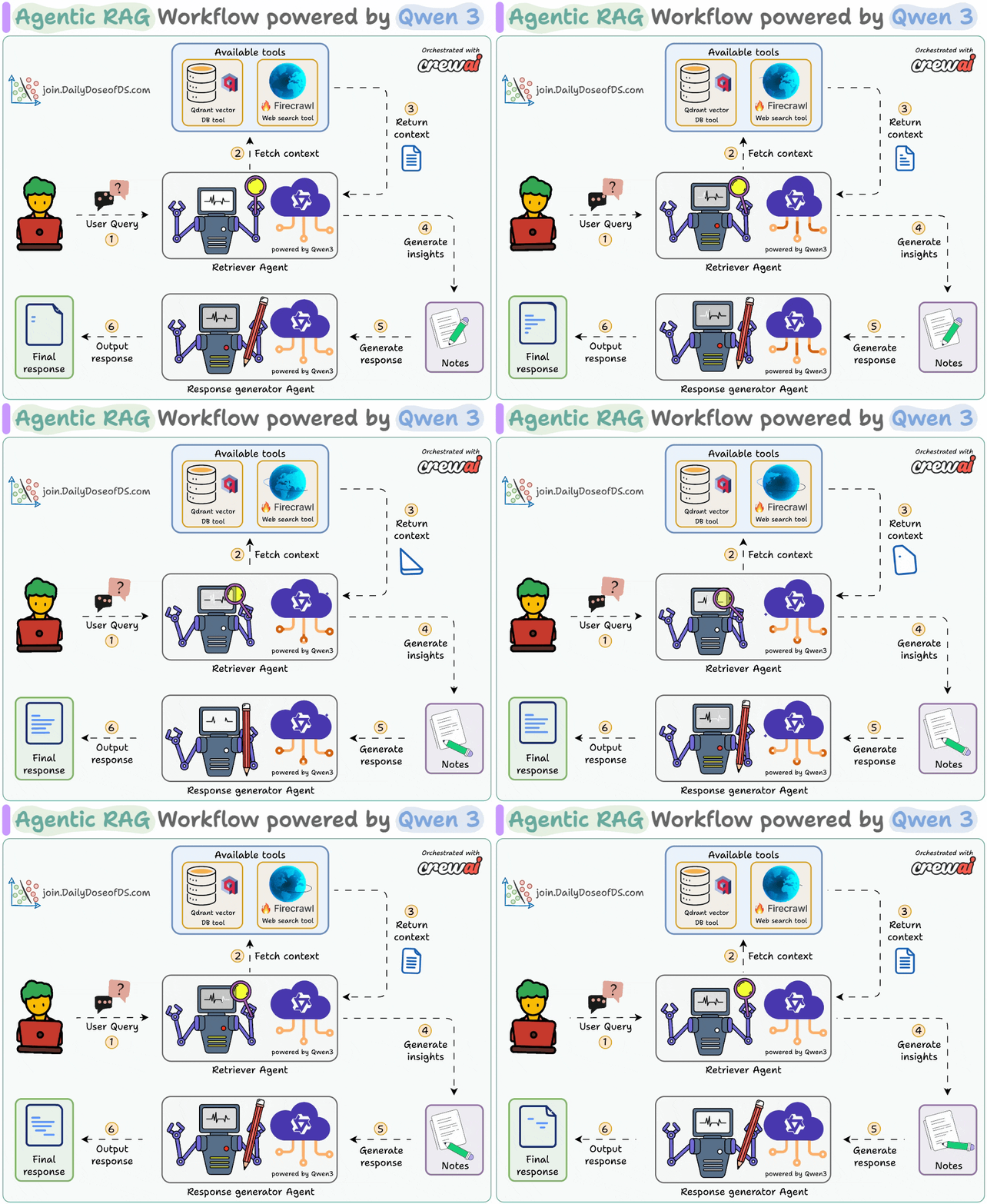
The diagram shows our Agentic RAG flow:
Next, let's implement and deploy it!
Here's the entire code to serve our Agentic RAG.
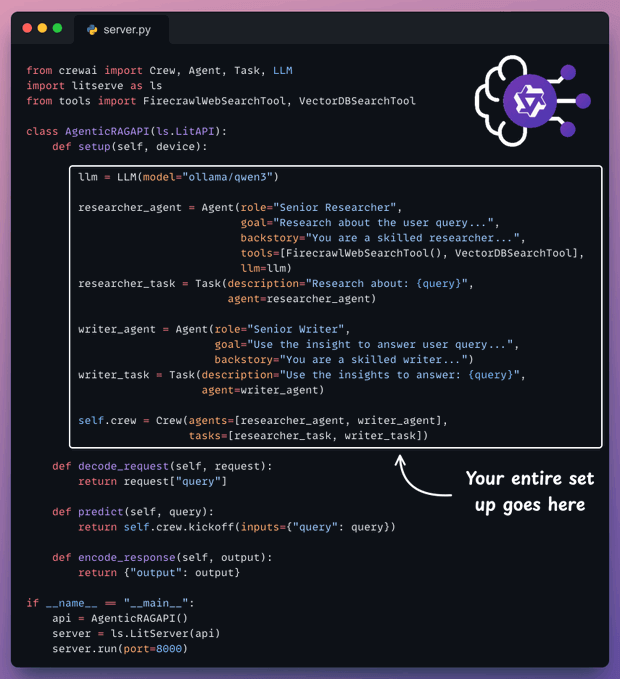
setup method orchestrates the Agents.decode_request method prepares the input.predict method invokes the Crew.encode_response method sends the response back.Let's understand it step by step below.
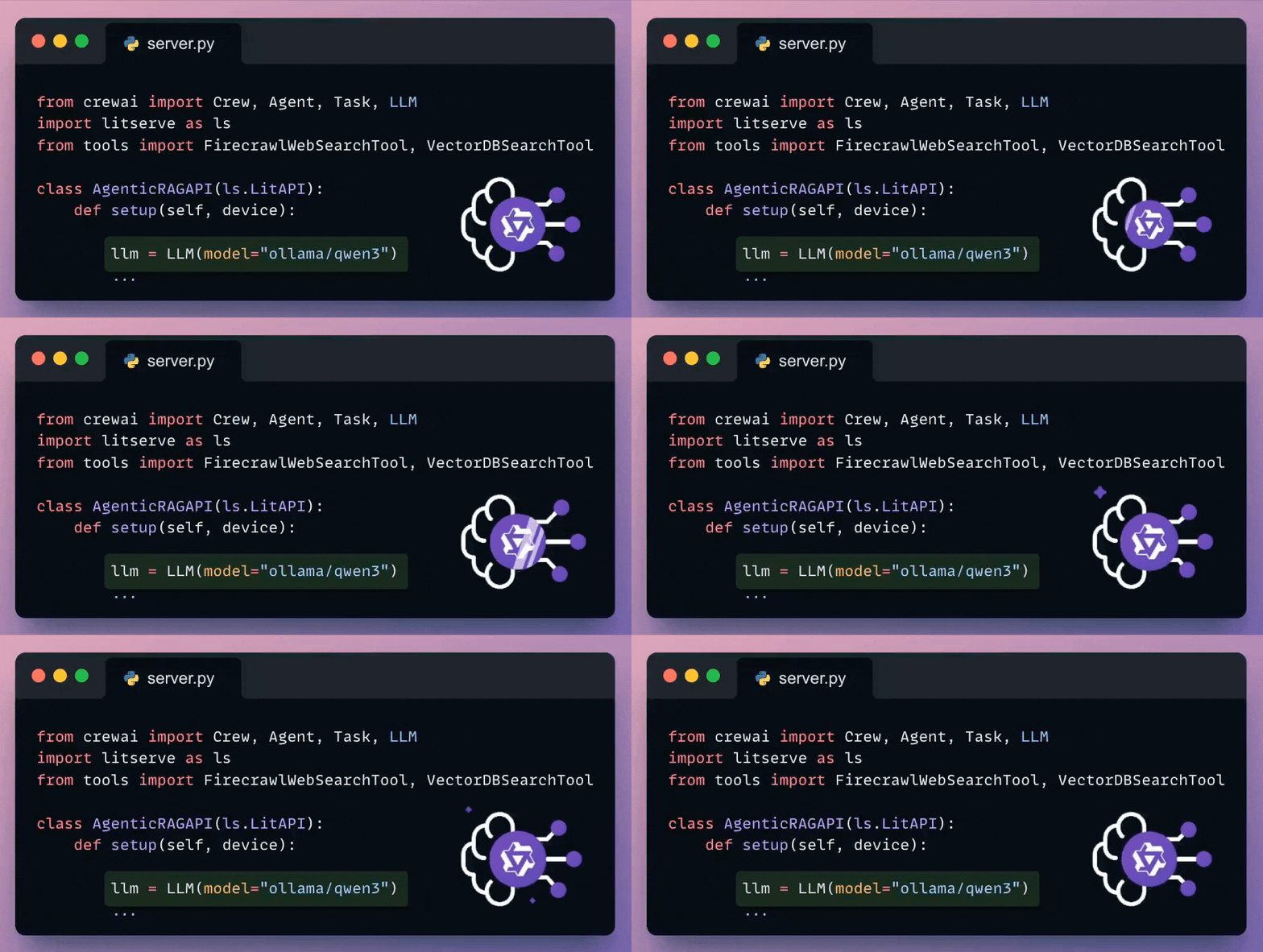
CrewAI seamlessly integrates with all popular LLMs and providers.
Here's how we set up a local Qwen 3 via Ollama.
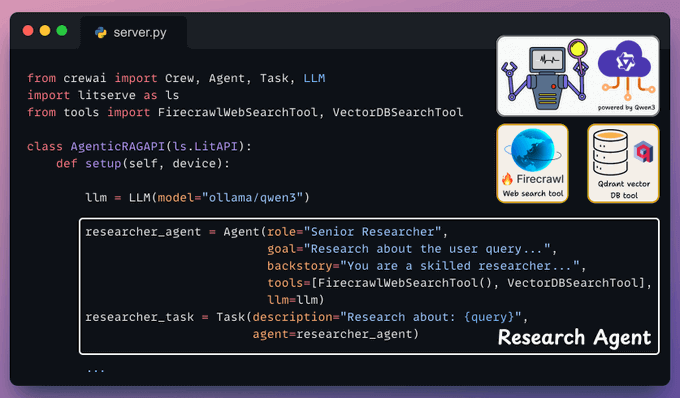
This Agent accepts the user query and retrieves the relevant context using a vectorDB tool and a web search tool powered by Firecrawl.
Again, put this in the LitServe setup() method:
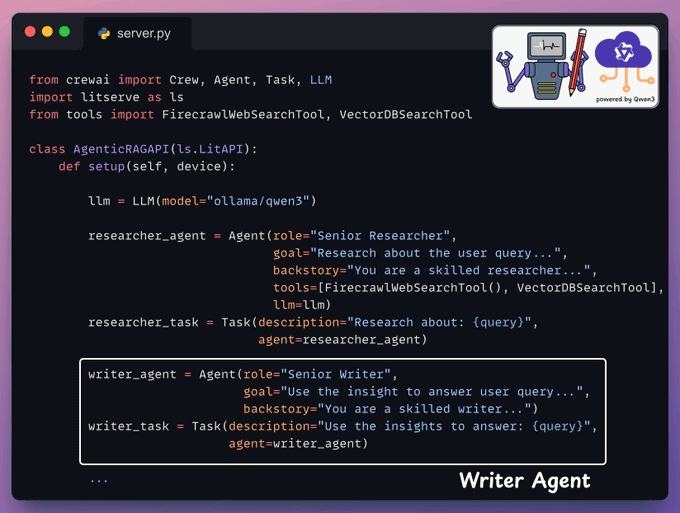
Next, the Writer Agent accepts the insights from the Researcher Agent to generate a response.
Yet again, we add this in the LitServe setup method:
Once we have defined the Agents and their tasks, we orchestrate them into a crew using CrewAI and put that into a setup method.
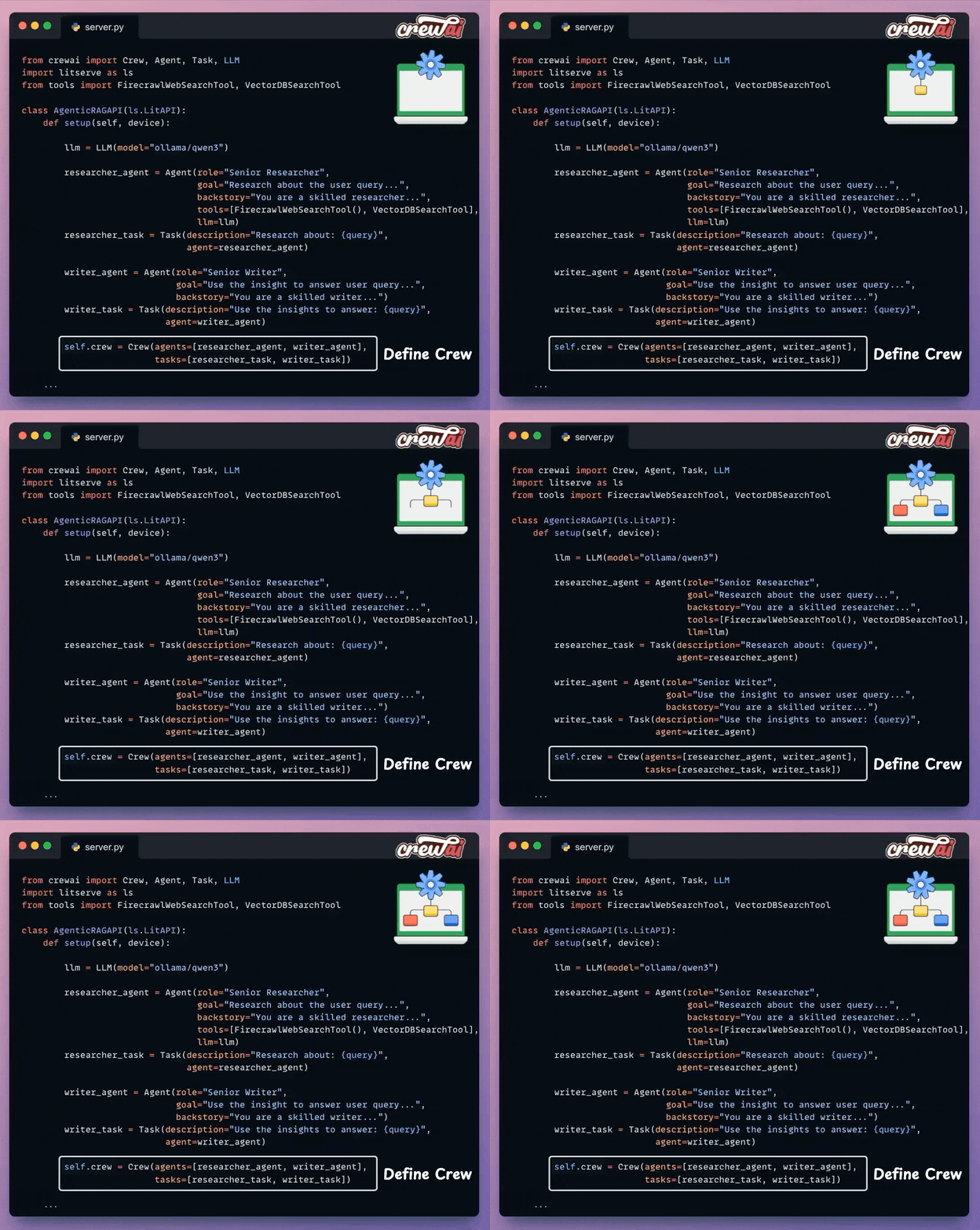
With that, we have orchestrated the Agentic RAG workflow, which will be executed upon an incoming request.
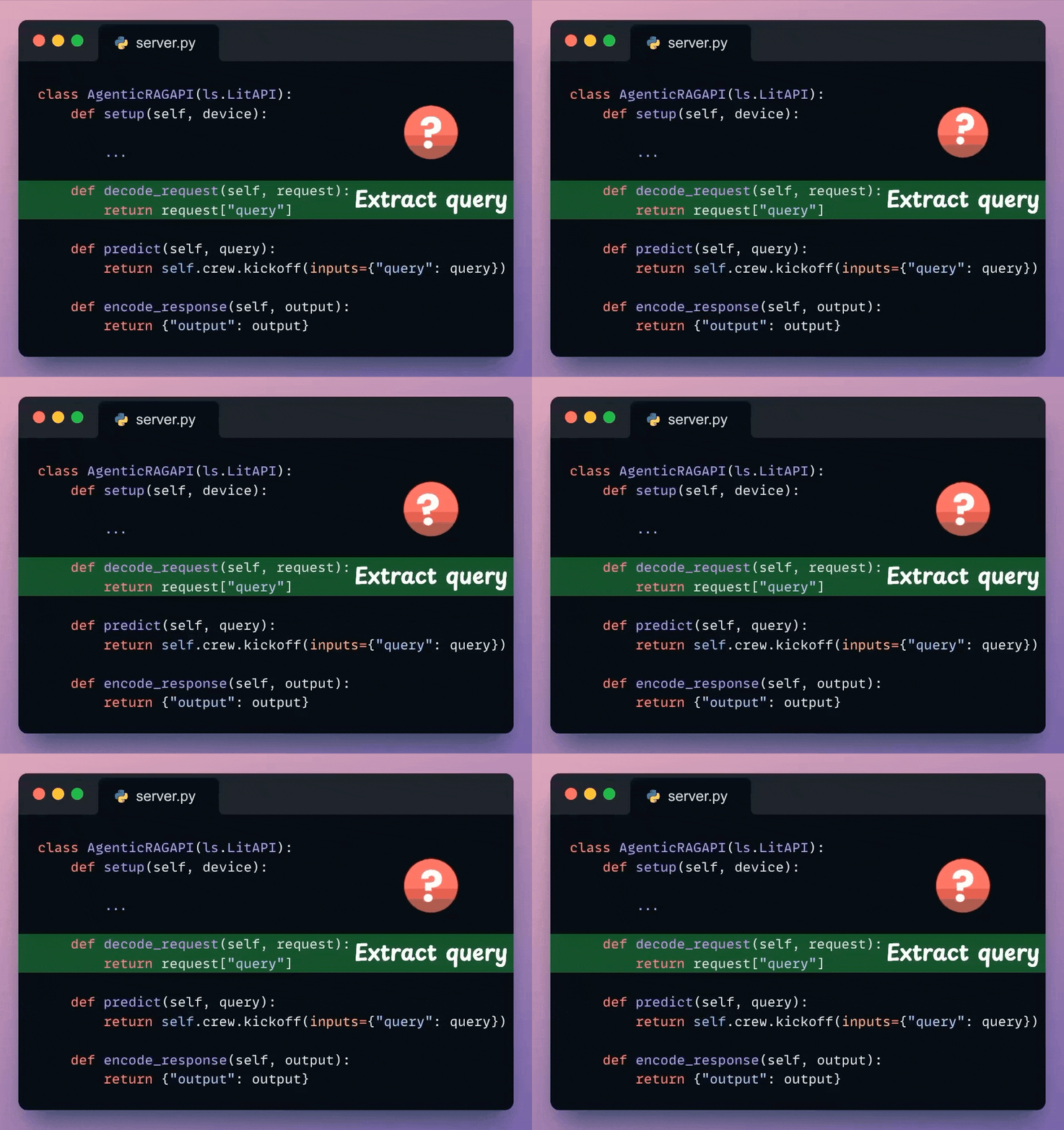
Next, from the incoming request body, we extract the user query.
Check the highlighted code below:
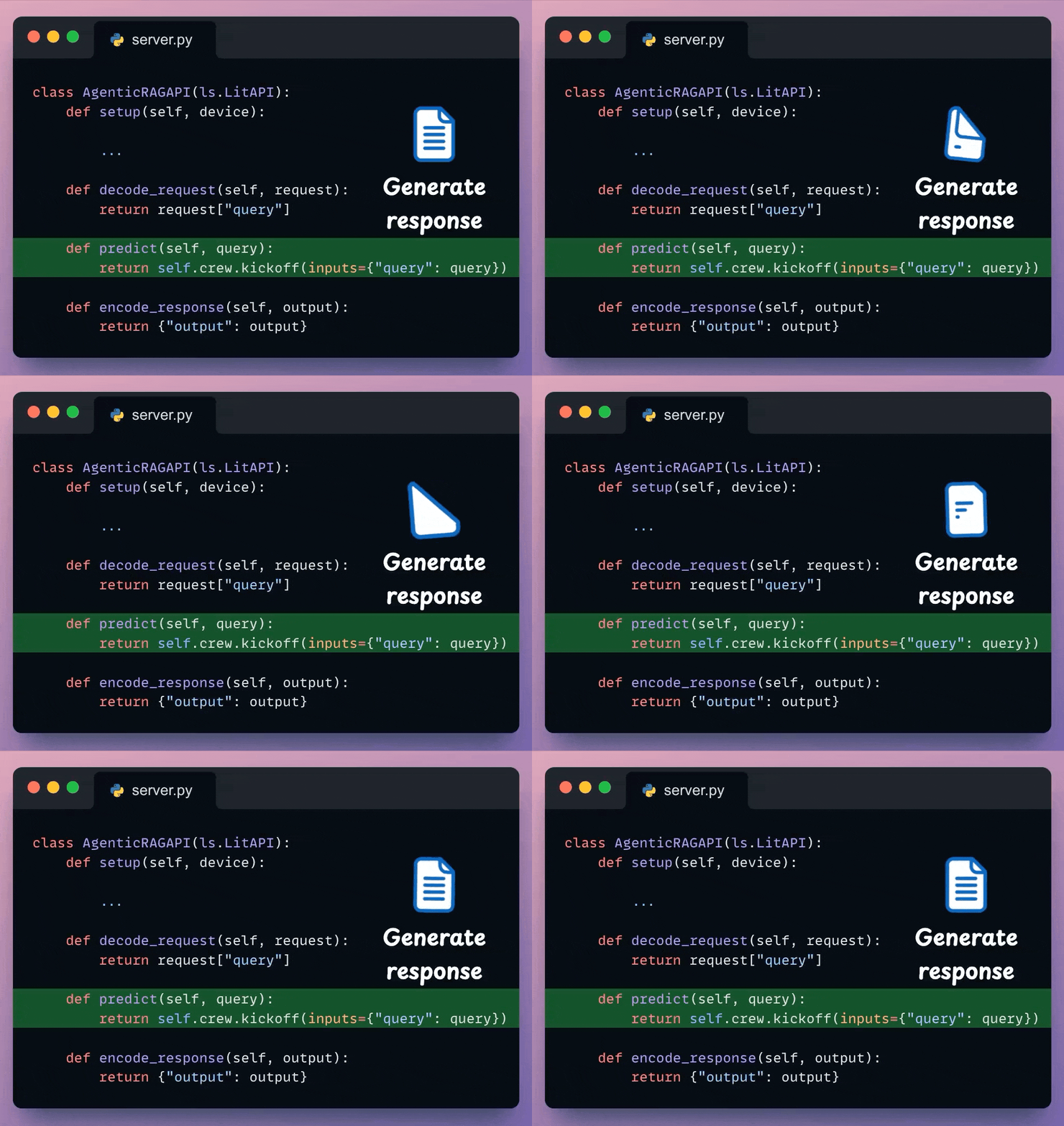
We use the decoded user query and pass it to the Crew defined earlier to generate a response from the model.
Check the highlighted code below:
Here, we can post-process the response & send it back to the client.
Note: LitServe internally invokes these methods in order: decode_request → predict → encode_request.
Check the highlighted code below:
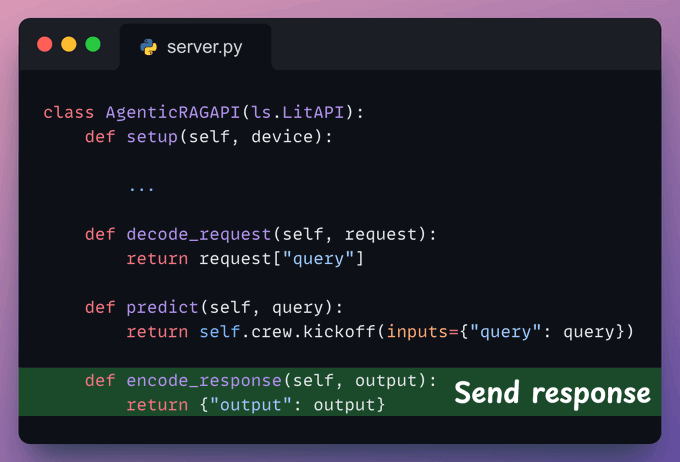
With that, we are done with the server code.
Next, we have the basic client code to invoke the API we created using the requests Python library:
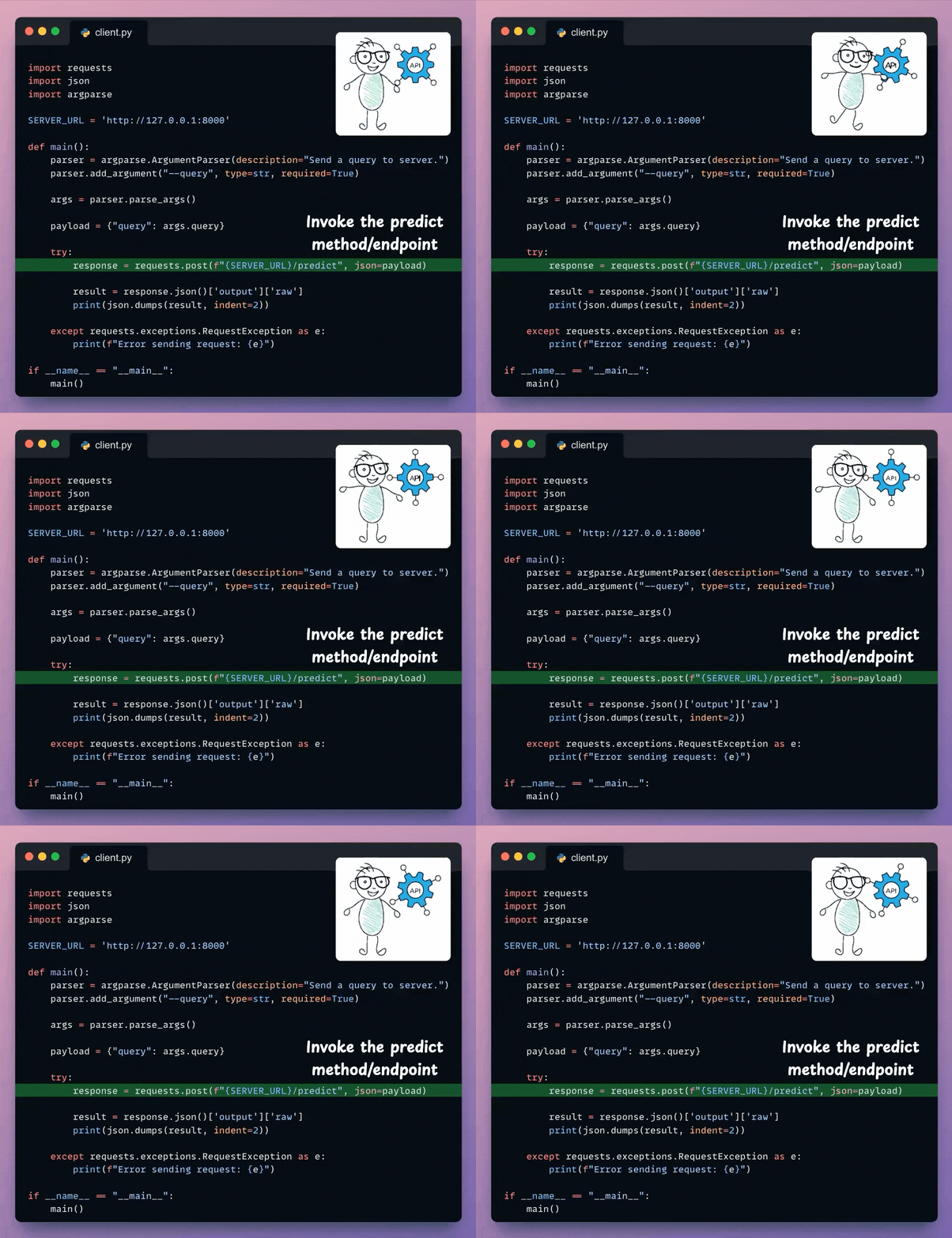
Done!
We have deployed our fully private Qwen 3 Agentic RAG using LitServe. Here's a recording of our deployed Qwen3 Agentic RAG:
That said, we started a crash course to help you implement reliable Agentic systems, understand the underlying challenges, and develop expertise in building Agentic apps on LLMs, which every industry cares about now.
Here’s what we have done in the crash course (with implementation):
Of course, if you have never worked with LLMs, that’s okay. We cover everything in a practical and beginner-friendly way.
You can find the code in this GitHub repo →
Thanks for reading, and we’ll see you next week!
Once a model has been trained, we move to productionizing and deploying it.
If ideas related to production and deployment intimidate you, here’s a quick roadmap for you to upskill (assuming you know how to train a model):
This roadmap should set you up pretty well, even if you have NEVER deployed a single model before since everything is practical and implementation-driven.