LLMs
[Hands-on] Build an AI Agent With Human-like Memory
100% local, using open-source Graphiti.

Avi Chawla
100% local, using open-source Graphiti.

TODAY'S ISSUE
If a memory-less AI Agent is deployed in production, every interaction with that Agent will be a blank slate.
With Memory, your Agent becomes context-aware and practically applicable.
Today, let us build an AI Agent with human-like memory. We have added a video above if you prefer that.
Here’s our tech stack:
Here’s the system overview:
If you prefer a video, here's a detailed walkthrough:
Let’s dive into the code!
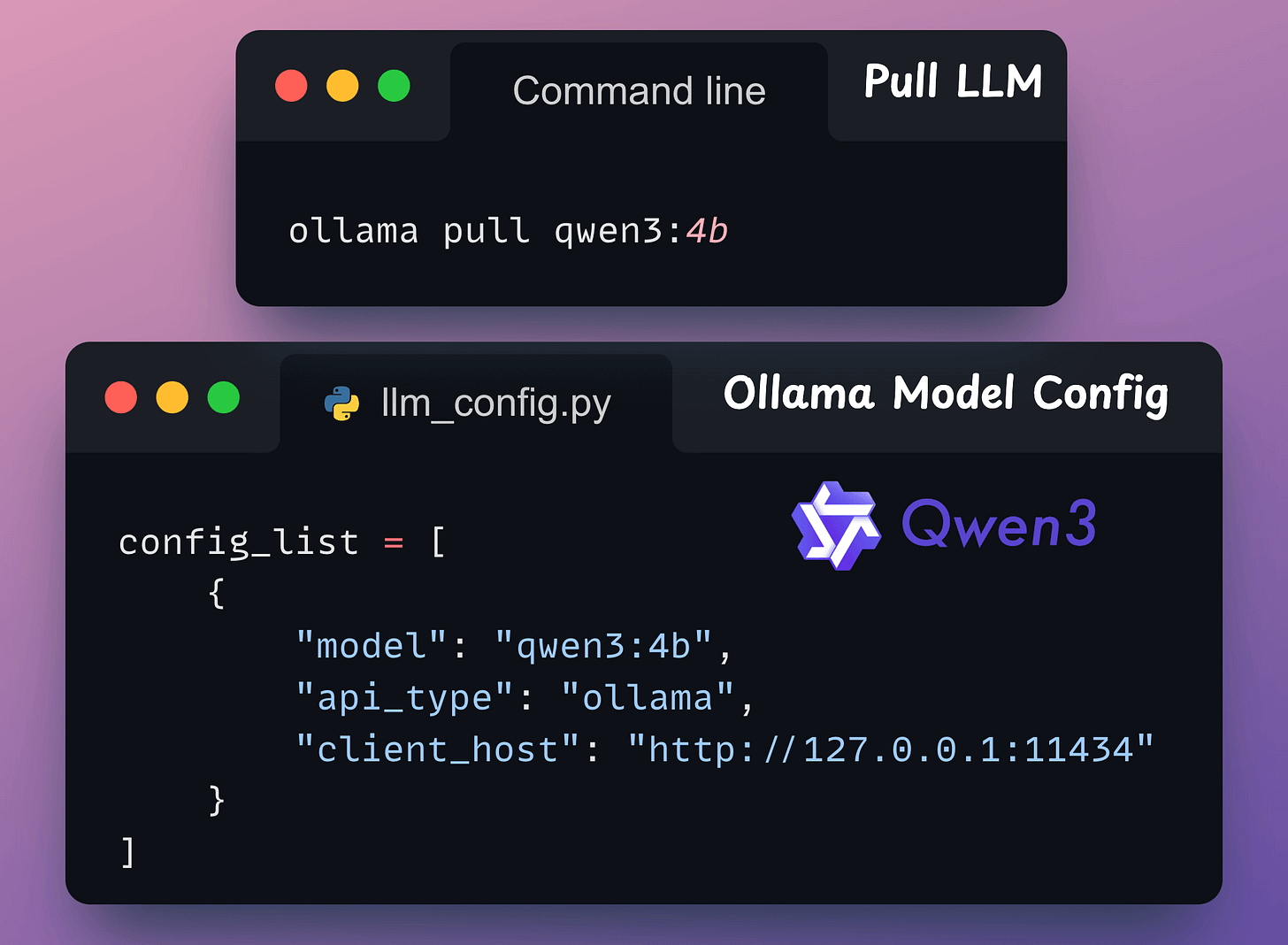
We'll use a locally served Qwen 3 via Ollama.
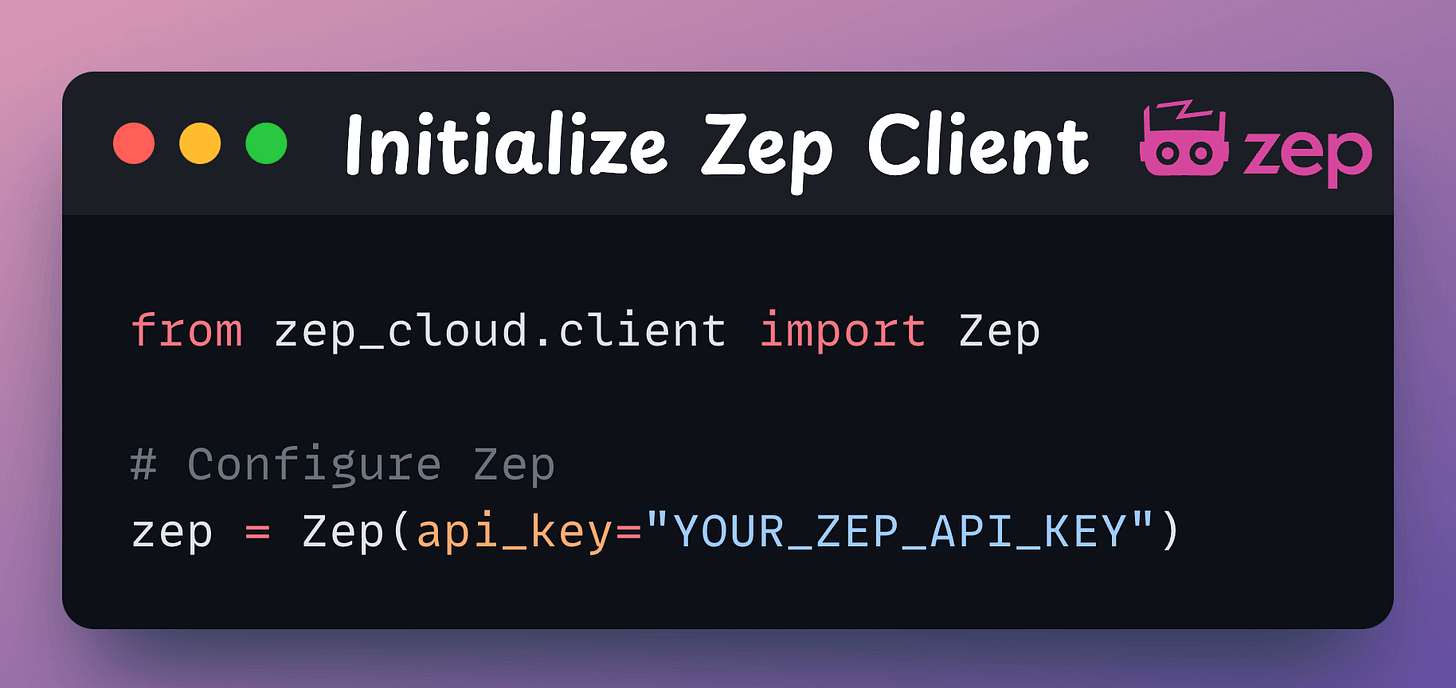
We're leveraging Zep’s Foundational Memory Layer to equip our Autogen agent with genuine task-completion capabilities.
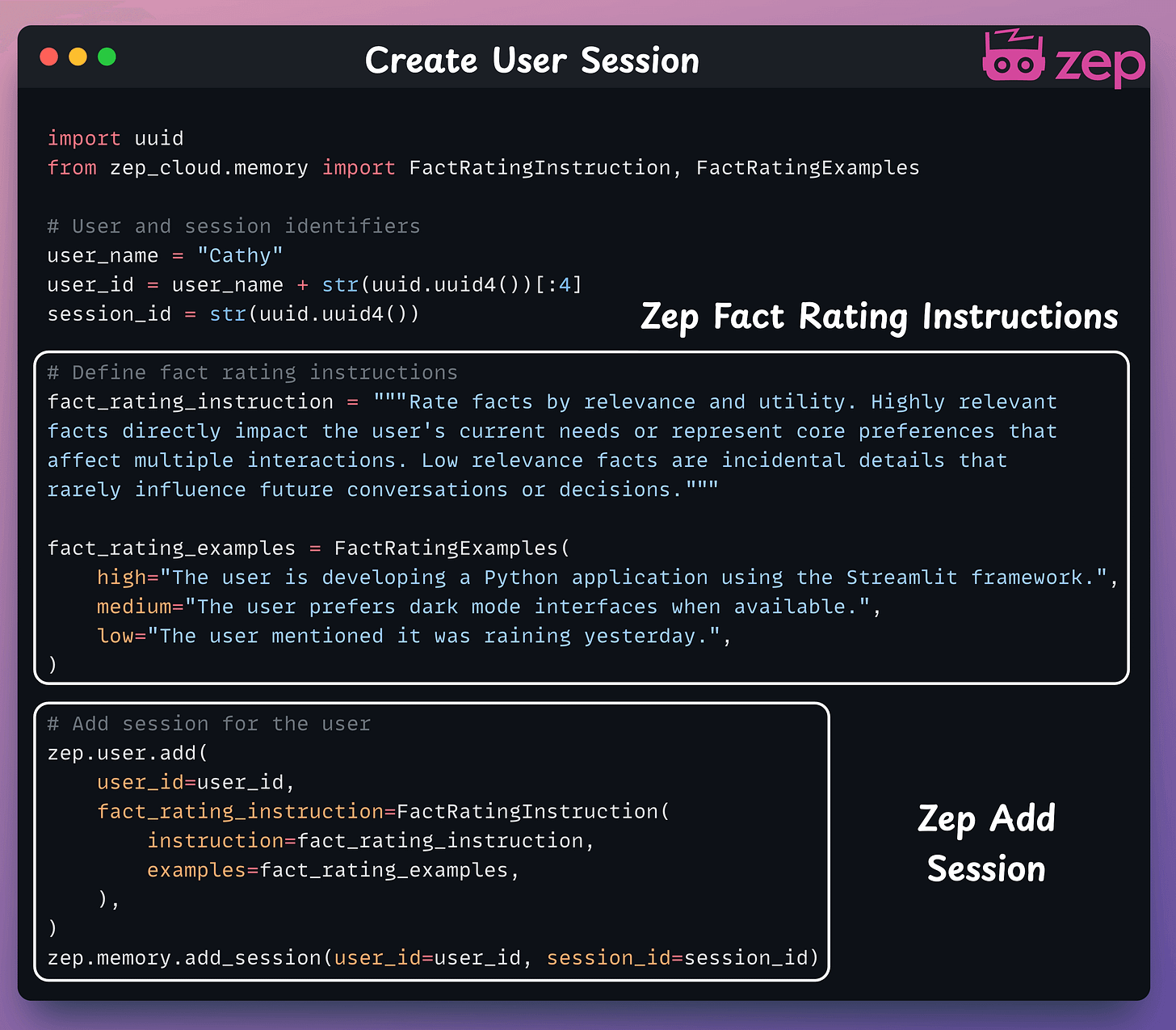
Create a Zep client session for the user, which the agent will use to manage memory. A user can have multiple sessions!
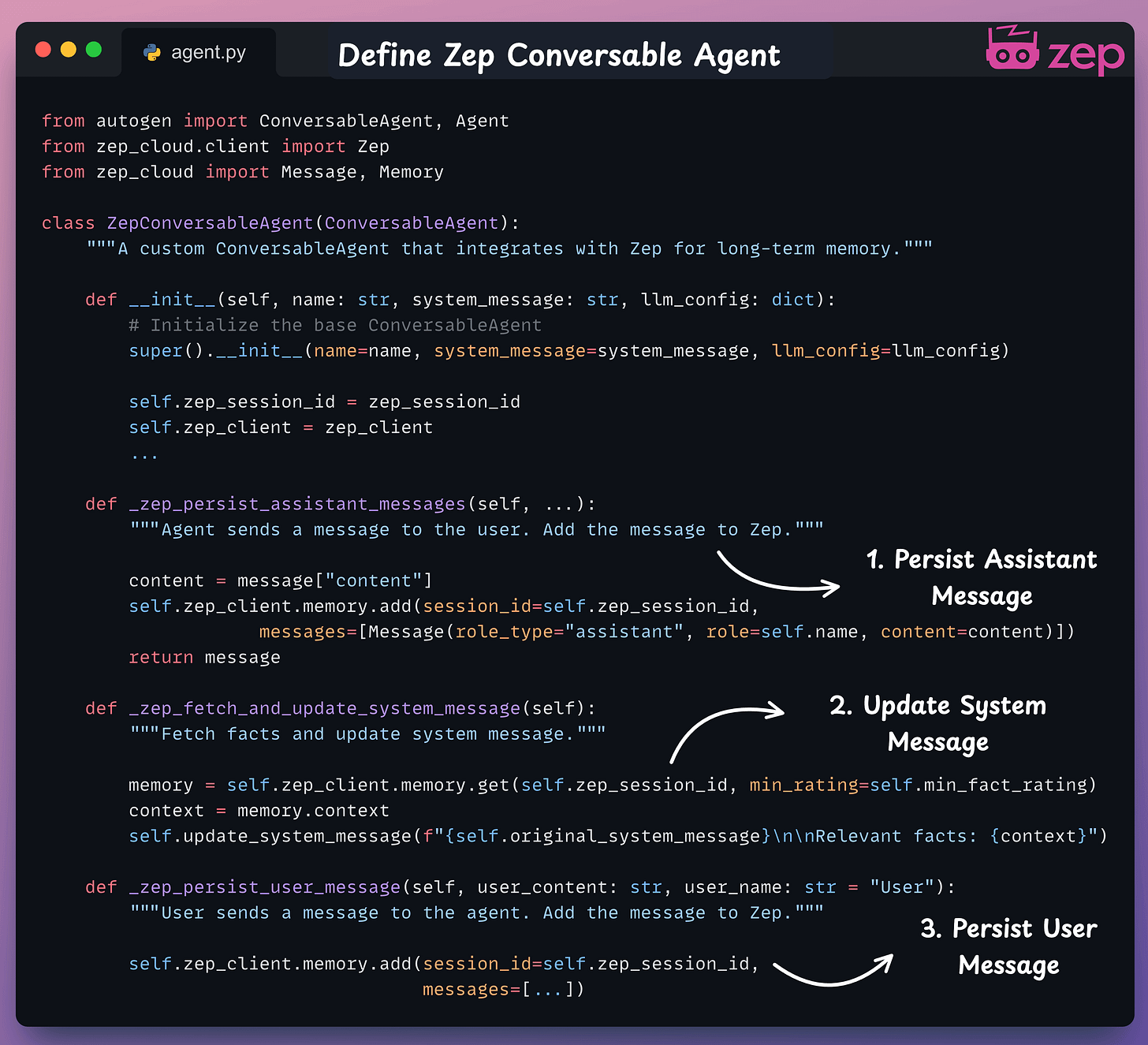
Our Zep Memory Agent builds on Autogen's Conversable Agent, drawing live memory context from Zep Cloud with each user query.
It remains efficient by utilizing the session we just established.
We initialize the Conversable Agent and a Stand-in Human Agent to manage chat interactions.
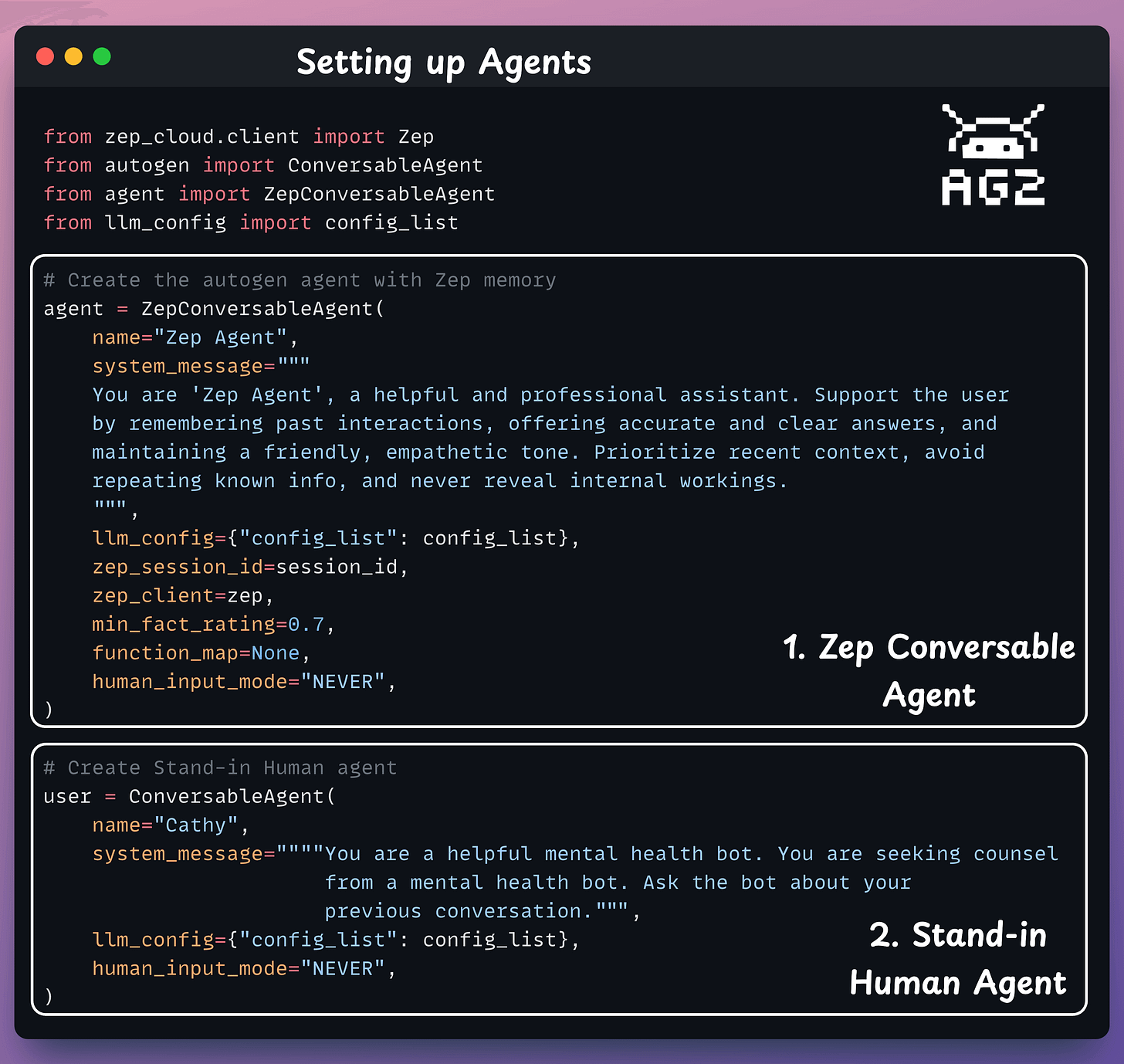
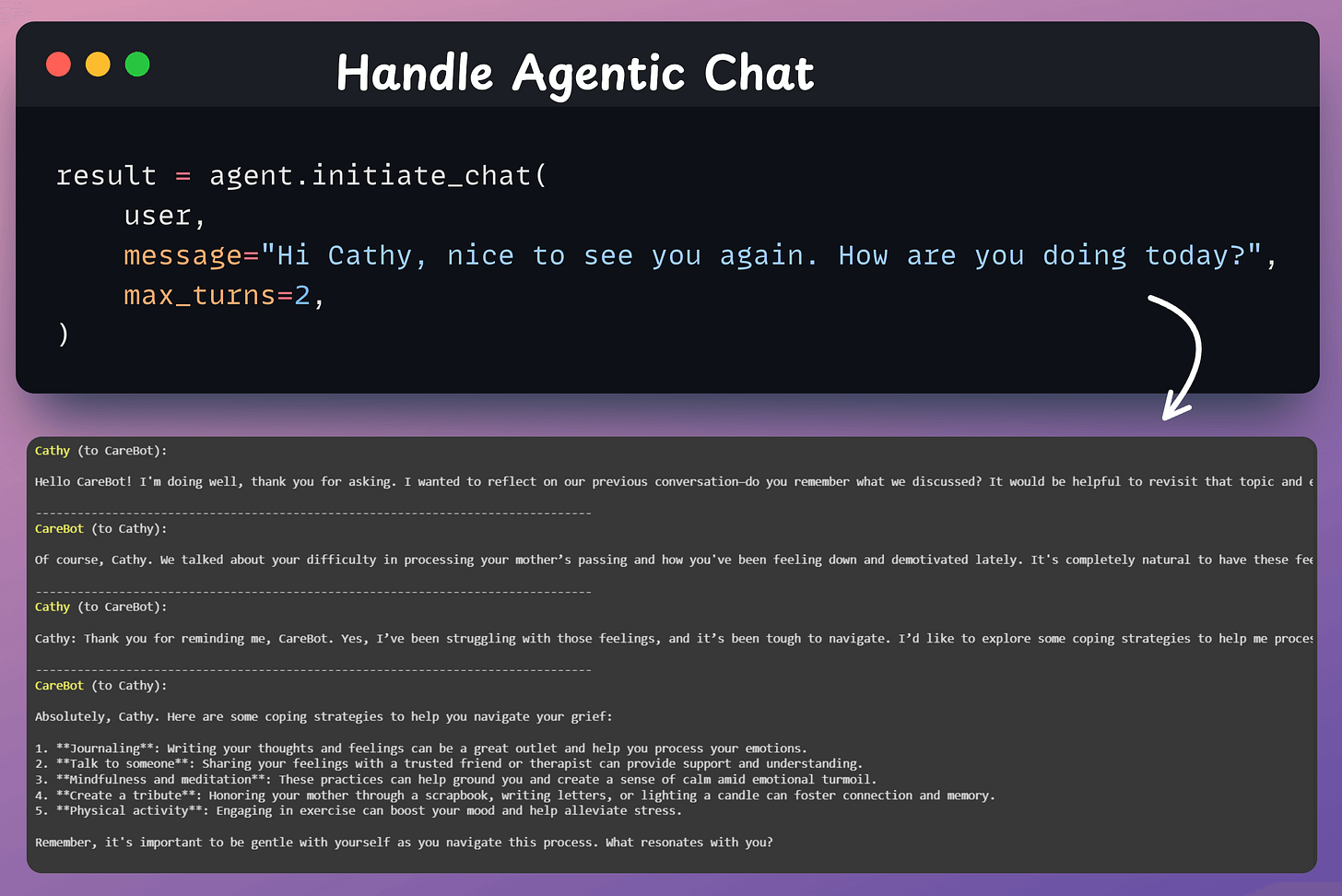
The Zep Conversable Agent steps in to create a coherent, personalized response.
It seamlessly integrates memory and conversation.
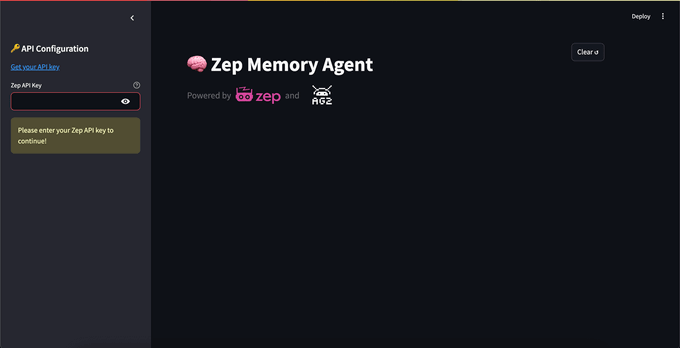
We created a streamlined Streamlit UI to ensure smooth and simple interactions with the Agent.
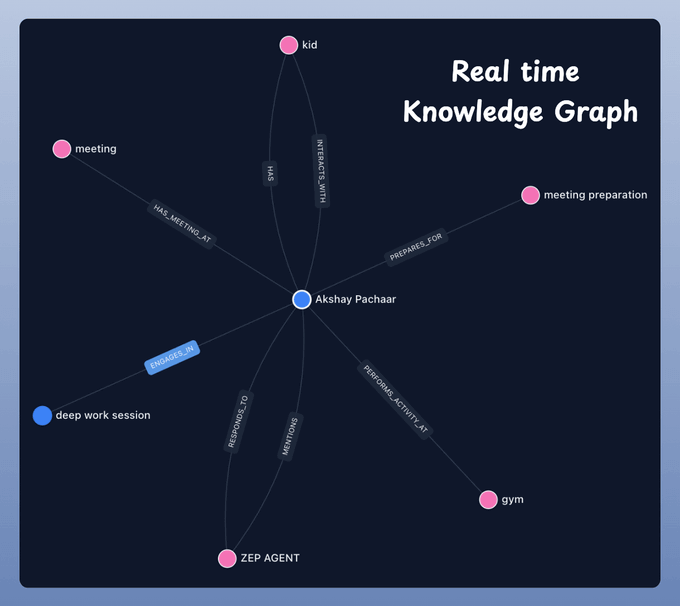
We can interactively map users’ conversations across multiple sessions with Zep Cloud's UI. This powerful tool allows us to visualize how knowledge evolves through a graph.
Done!
We have equipped our AI Agent with a SOTA memory layer.
Find the complete code in the GitHub repository →
We recommend watching the video attached at the top for better understanding!
That said, Agents forget everything after each task. Open-source memory toolkit Graphiti by Zep lets Agents build and query temporally-aware knowledge graphs!
Check the GitHub repo here → (don’t forget to star)
Thanks for reading!
Once a model has been trained, we move to productionizing and deploying it.
If ideas related to production and deployment intimidate you, here’s a quick roadmap for you to upskill (assuming you know how to train a model):
This roadmap should set you up pretty well, even if you have NEVER deployed a single model before since everything is practical and implementation-driven.